- Click Users on the navigation menu on the left-hand side.
- Search a user on Users List page.
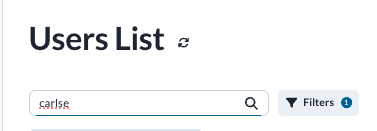
- Open the user's page by clicking User Name (not User column).
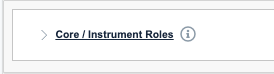
- Open Core / Instrument Roles box.
- Check Core Administrator.
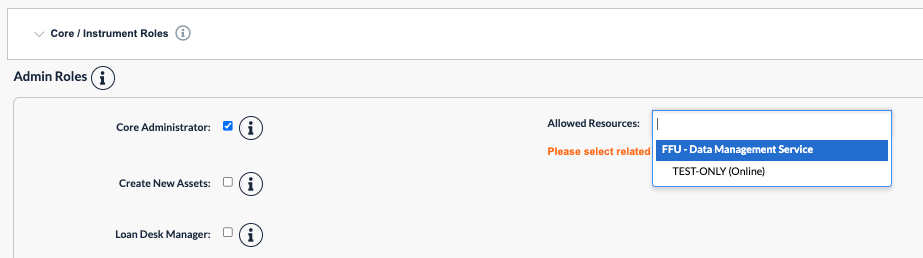
- Select the core(s) you would like to assign the core admin role to in the Allowed Resources field.
- Click Update button at the bottom.
When a core admin role is not needed anymore, the user can uncheck Core Administrator checkbox.