Configure NWB variablesGo to Tools > Nwb > Configure NWB File
Choose Save and Close. |  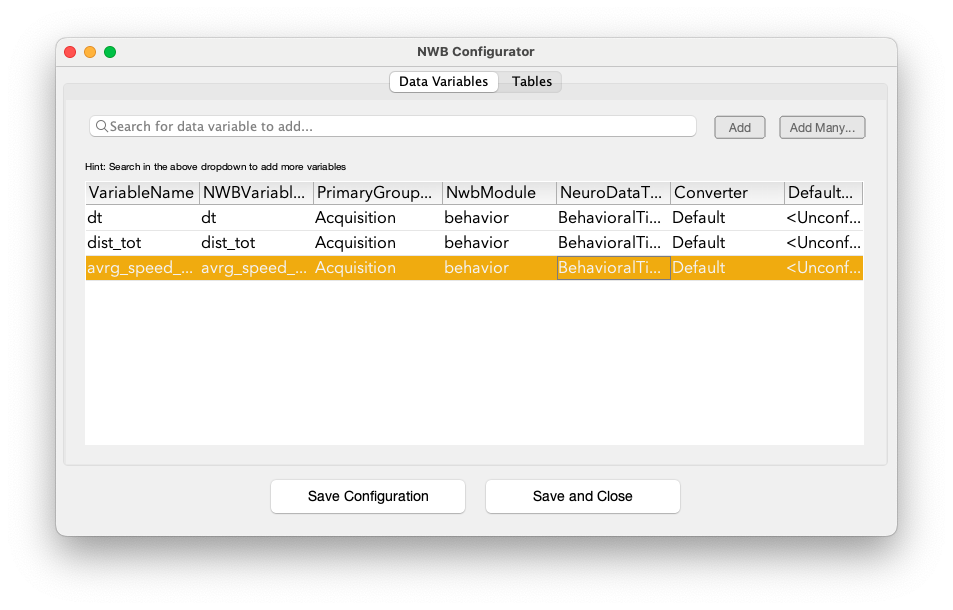 |
Write NWB FilesGo back to Dataset Explorer Select sessions to be converted into NWB Go to Data > Nwb > Write NWB File |  |
DoneYour NWB files are complete! The NWB files are available in your Processed data folder in a BIDS folder structure.
|  |
| < 4. Find variables of Interest |