Here you add custom variables from the dataset.
We use File Adapters to customize how we read the file.
In this example we read Wheel.csv which contains data of mice behavior on a running wheel.
Import File AdapterIf you have not done so, download +fileadapter.zip Unzip as folder +fileadapter Choose folder +fileadapter. Click OK on Import Results.
|   |
Load datafileChoosing which file within session to get the variables from:
|  |
Choose VariablesOpen box Data Variable Selector Choose :
Click button Select | 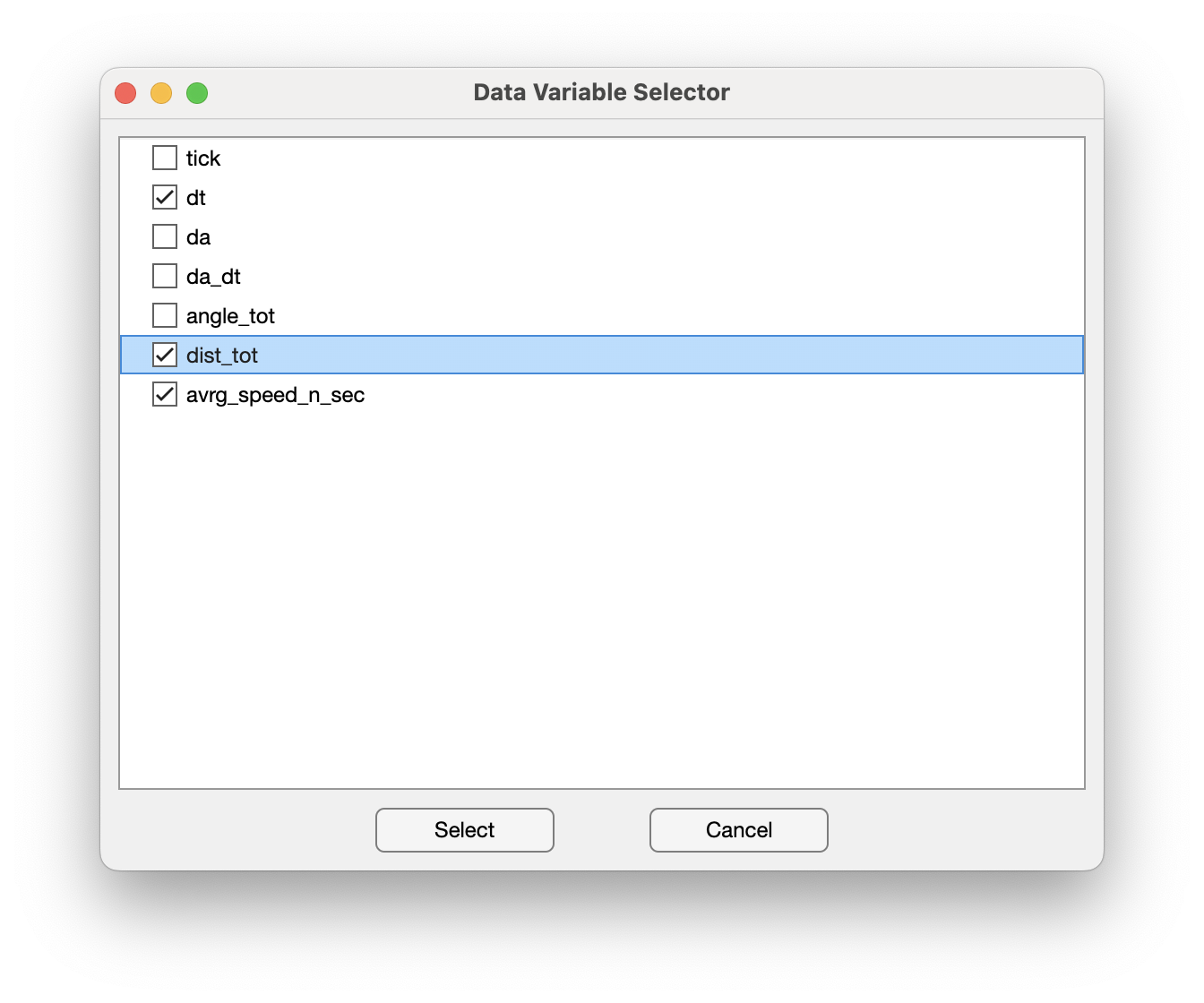 |
Choose File AdapterOpens dialog box Create New Variable File Name Expression: Wheel File Adapter: Wheel Click green circle |  |
Check VariableYou can check the custom variables NANSEN reads, and which file adapters they use. You can close this window.
Tip (optional): For future uses you can re-open this from menu bar: |  |
| < 3. Extracting metadata | 5. Convert data into NWB > |