Create a new project.nansen.createProject() Enter a short project name. This will be subfolder where your project will be saved. Select a folder to be the root folder of your Project. Click Create New Project Click Right Arrow to continue. Enter your [short project name]: Enter your [project folder]: |  |
Select Modules
Click Right Arrow to continue. | 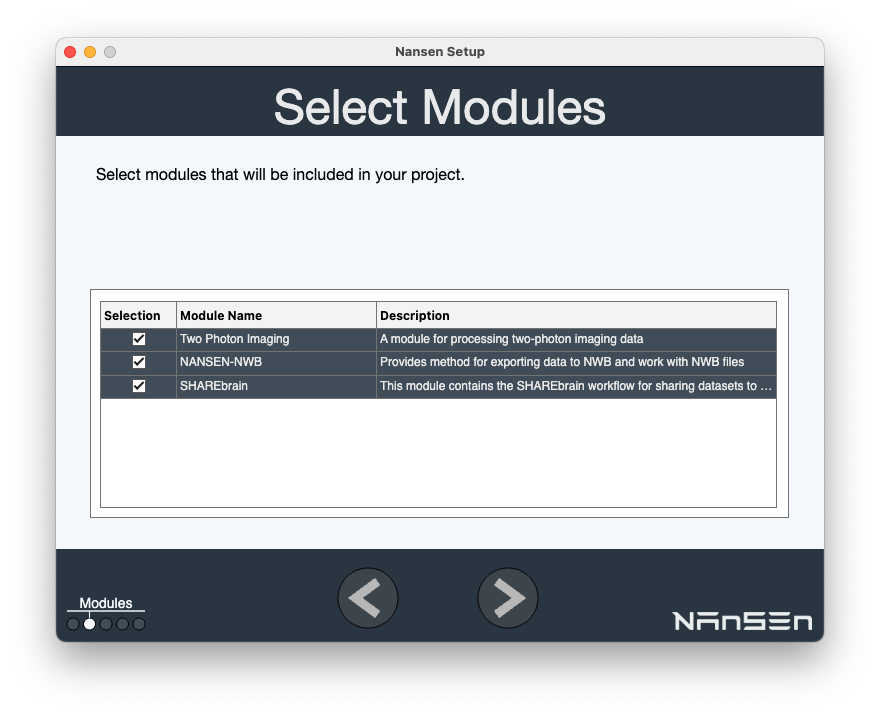 |
| < Introductions | 2. Adding data to the NANSEN project > |