Add Data LocationsDescribe the root folder where you can retrieve data for the project Enter Rawdata: [data_folder]/HypertensionsData Create a Processed data folder where we export the output files. [data_folder]/HypertensionData/Processed Tip: For future projects, there may be multiple Rawdata folder from multiple equipments. | 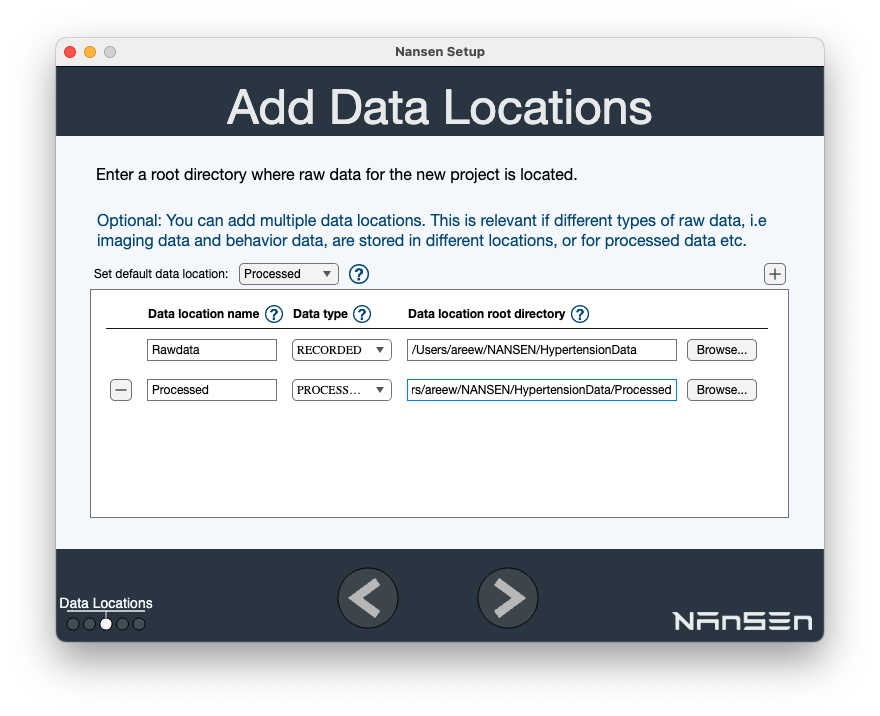 |
Specify Data OrganizationDescribe the subfolder structure of your dataset.
This will reveal multiple dataset folders including Preflight dir, trial_001 , trial_002, etc. We will exclude Preflight dir. | 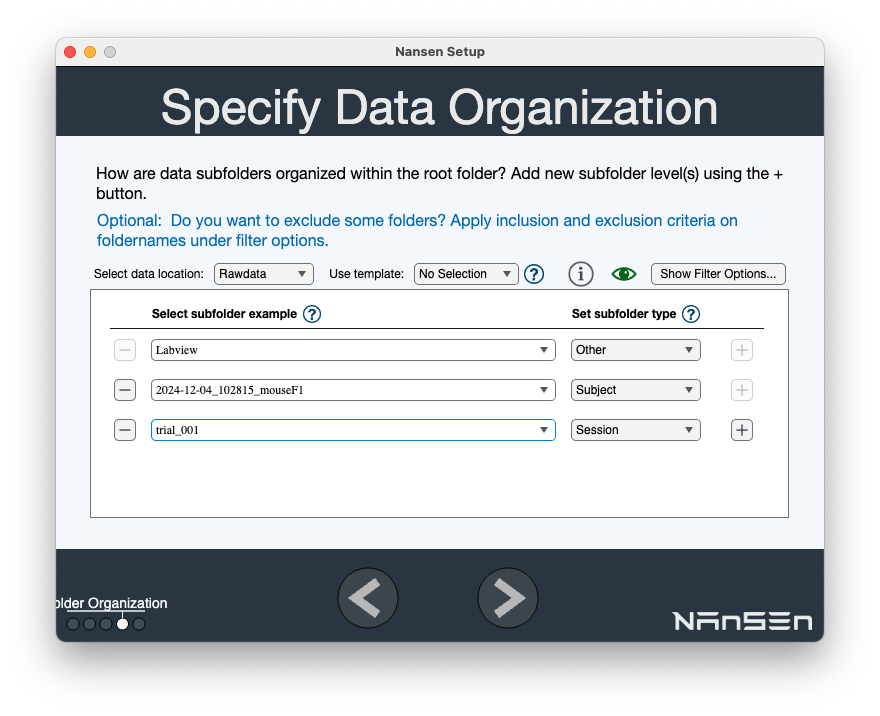  |
FilterThis allows you to include / exclude specific files. Use Show Filter Options… Exclusion list: "Preflight" (without quotes) on the row trial_001 / Session Click Right Arrow to continue. | 
 |
| < 1. Setup new project | 3. Extracting metadata > |