Overleaf is a web-based writing, collaboration, and publishing tool for scientific work. It is designed to make the writing process faster and more convenient for those writing in LaTeX. From February 1, all students and staff can log in directly.

IT news - Page 2
If you have a UiO-owned laptop with Windows 10, it will be updated to Windows 11 between February 3rd and 15th.
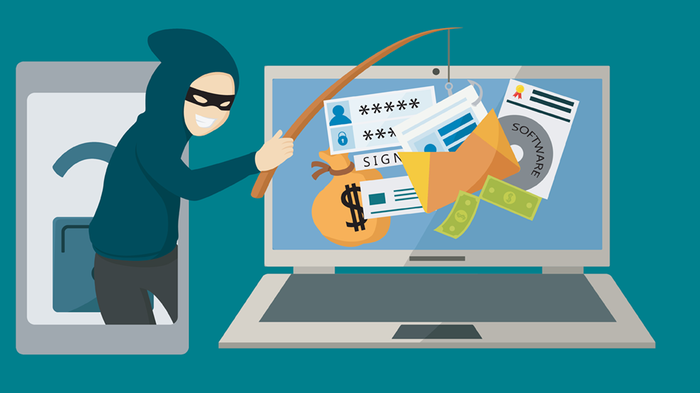
Recently, a number of students have received an English-language scam email informing them about a high-paying job vacancy as a "research assistant". Interested individuals are encouraged to get in touch via a @gmail or @outlook address. The email is signed by a "professor" from one of the University of Oslo's (UiO) faculties.
You have probably seen them, phishing attempts via email. Some are bad, and some are very convincing. Now, email users at UiO are being exposed to a wave of convincing scam emails.
Here is an important warning from UiO CERT, UiO's own response team for IT security incidents.
The University of Oslo (UiO) is launching an e-learning course about privacy and IT security for all faculty, staff andstudents. The course is designed to equip you with the necessary skills to protect our valuable research data and personal information.
In February, the IT department announced that UiO's email would be moved to a new and better solution, and now we are starting. The first step for everyone at UiO is to finish the cleanup effort to minimize the amount of e-mail which must be moved, and remove sensitive data. The migration to the new solution starts at the beginning of October.
Thursday, June 20th, the login on the UiO website and the faculty websites, as well as Canvas and Panopto, will be renewed. You should not notice any changes other than a renewed appearance and the requirement to log in with two-factor authentication.
UiO is now implementing the email solution that is included in MS365 (formerly Office 365), which can offer all students and employees a more comprehensive way of working, where email and calendar seamlessly work with the other MS365 tools, and all email is protected by two-factor authentication (secure login).
What do you think of IT at UiO? In January last year, UiO established a new IT organization. The goal of the reorganization was to provide better IT services to everyone at UiO, offer better support, and be more responsive to requests and feedback. Please let us know what you think.
With Upload Course Video it is easy to upload video to the course schedule, also if you have recordings from Zoom or your own video. Find out more about the new application for uploading recorded lectures and other video resources.
Recently, UiO started using Zoom for both digital teaching and video meetings, and the use of Zoom at UiO has seen tremendous growth in the past weeks. But with the use of new tools new questions arise. Here, UiO's head of IT security Espen Grøndahl answers the most important questions.
As many work from home, the risk of hacking and loss of important information increases. During this ongoing coronavirus situation (COVID-19), all staff and students need to know how to contribute to good information security.
The IT services pages at UiO have a new look with more focus on the individual services. New is also the A to Z list, which also serves as a service directory.
How can you help to help the UiO reach its climate goals? One possibility is fewer trips and more video meetings.
Many already use Google's products for interaction, sharing and co-writing from their private accounts. Now, G Suite for Education is also available for all UiO users.
As a student or employee at the UiO, you have free access to Office 365 and download of the Office applications to your computer, phone and other devices.
Have you missed the option of using Dropbox in connection with projects or interaction with others outside of UiO?
UiO has chosen to clarify the rules regarding automatic forwarding of e-mails to gain control of personal data and other information that should be protected.
Passord.uio.no lets you change your password, helps you out if you have forgotten your username or password and lets you register new users. Go to our new service, passord.uio.no, for all your password needs.
Up until now it has been possible to log in to the eduroam network by only using your username. This will no longer be possible. From now on, you need to log in by using username@uio.no.
The University of Oslo (UiO) has many wireless networks. You may have seen this if you have ever set up wifi in your computer, smartphone or tablet. The closing of the “uio” network will make it easier for you to choose the right network in the future.
UiO has transitioned to a new backup system. This means that the regulations have also changed. The biggest change is that backup files are now stored for 90 days, which is shorter period of time than earlier.
Now you can choose password phrases instead. This makes it easier to fulfill the strict security requirements at UiO.
All printers at the UiO will be transferred to a new printing solution. The new solution provides an option for secure printing, meaning that you must present your employee or student card to get your print-out at the printer. Most printers are transferred to the new system during the fall term 2015.
Do you use Remote Desktop to connect to your office computer from home or while on the go? If you want to continue doing that after July 1st, you need to create a new shortcut for the connection. You can get started using the new solution from June 15th.