Why universal design?
If the rules and recommendations given by universal design (UD) are not met, some user groups will be excluded from using the service.
Forms that follow these rules are more user-friendly for everyone. At the same time, they make it possible for people who use screen readers or experience motor or cognitive challenges to use the service to the same extent as everyone else.

If you follow these ten tips the next time you build a form, you can send it out with a clear conscience.
Division of responsibility
When it comes to universal design in forms, the responsibility is shared. Nettskjema as a service is responsible for making sure that you as users shouldn't be able to make UD mistakes at all.
Nettskjema is responsible for ensuring that all elements look and behave as promised and as they should. This includes, among other things, that color contrasts are correct so that all elements can be seen by everyone, and that form elements and question types are adapted for keyboard navigation and similar needs.
One of the most important responsibilities Nettskjema has as a service is to ensure that the code and what is displayed match. This is especially important for those who use screen readers.
The other responsibility for maintaining rules and recommendations related to UD lies with you, the form builder. That’s why we have developed these ten steps to make it easier to stay on the right UD path.

1. Have a clear idea of what the form should accomplish
Once you have decided what you want to find out with the form, it will be easier to keep a clear thread throughout the survey and ask the questions you actually need answers to.

For example: You want to understand why students are dropping out of lectures. In this case, a clear and understandable goal could be: “I want to understand which factors lead students to skip lectures – and whether these reasons are internal or external.”
2. Use natural, conversational language
Have a conversation with the respondent. Use simple, clear language throughout the entire form.

As in a conversation, you need to start somewhere before moving on to the main topic. Begin with questions respondents can easily answer. These initial questions should build the respondents’ confidence and spark their engagement with the topic of the survey.
3. Limit the length of the survey – be specific
Answering a survey is often a service respondents do for you, out of their own time. The best way to reward this is to create short and concise forms.

The more questions you have, the less time respondents will spend considering their answers, and the more likely they are to skim through the survey. In the worst case, this can result in inaccurate answers.
Shorter forms also have less dropout, meaning that the fewer and more concrete questions you manage to ask, the higher response rate and more thoughtful answers you can expect.
4. Prioritize closed questions – show what kind of answers you want
Focus on questions where respondents can choose from predefined answer options. In Nettskjema these are checkboxes, radio buttons, drop-down lists, and matrices.
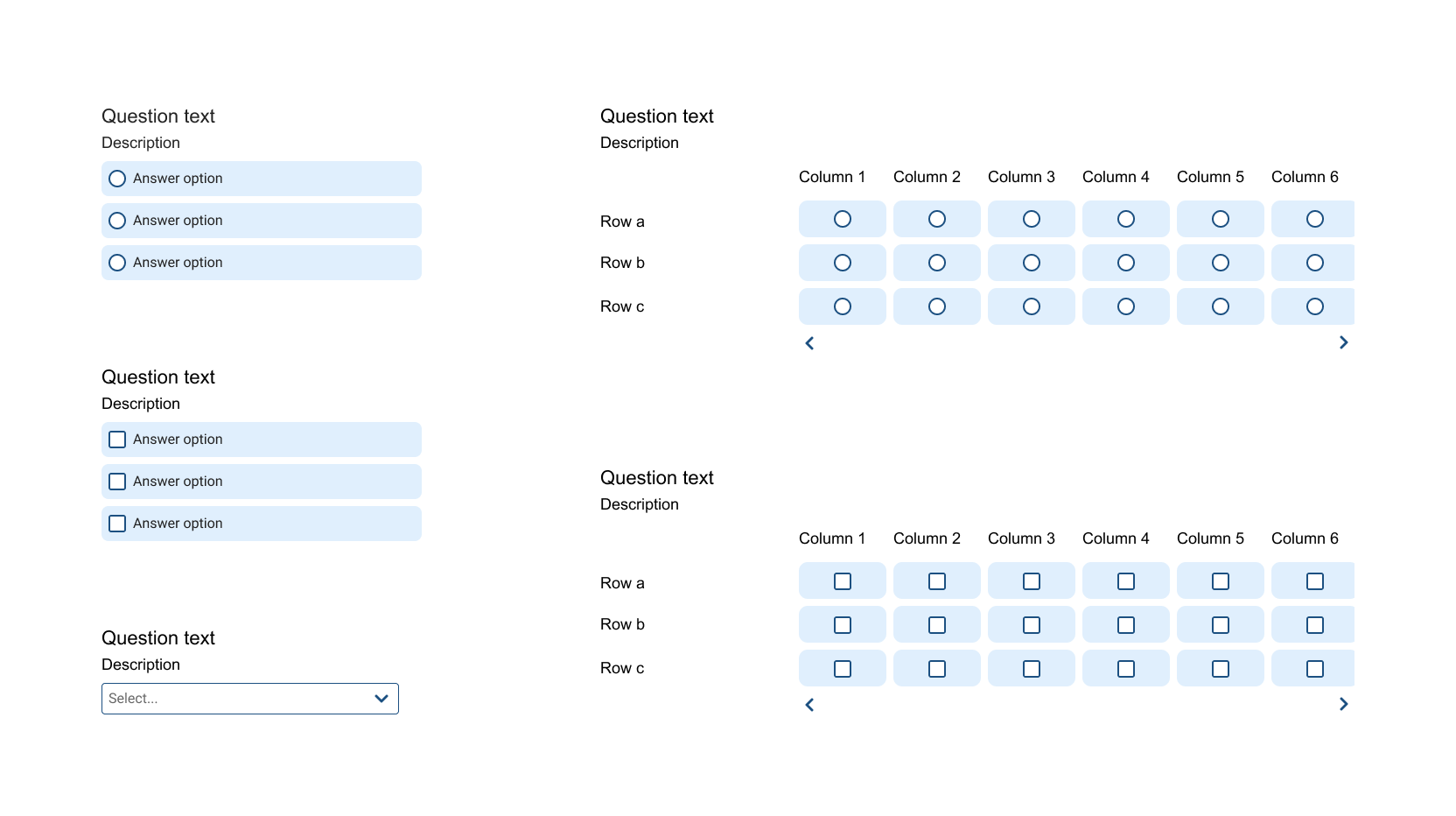
These are less demanding for respondents to answer, and they give you quantitative data that is easier to analyze.
5. Open-ended questions – let respondents express themselves
These are questions where respondents can write their answers in their own words. In Nettskjema, these are text answer questions.
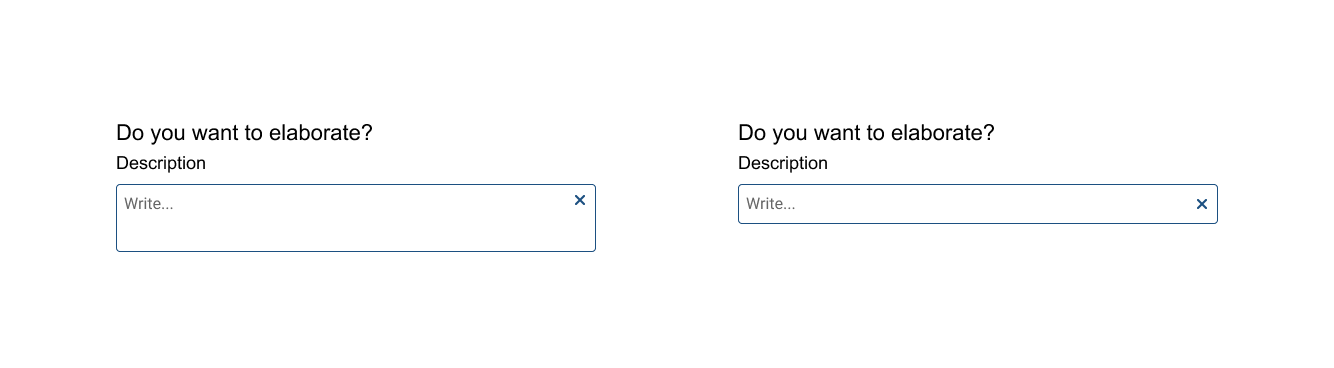
These questions demand more from the respondent and often take longer to answer than other question types. This means you should not place them early in the form, and you should not have too many of them throughout the form.
6. Don’t ask leading questions – keep your opinions to yourself
Do not phrase questions in a way that reflects your own opinions, as this will influence the respondents’ answers.
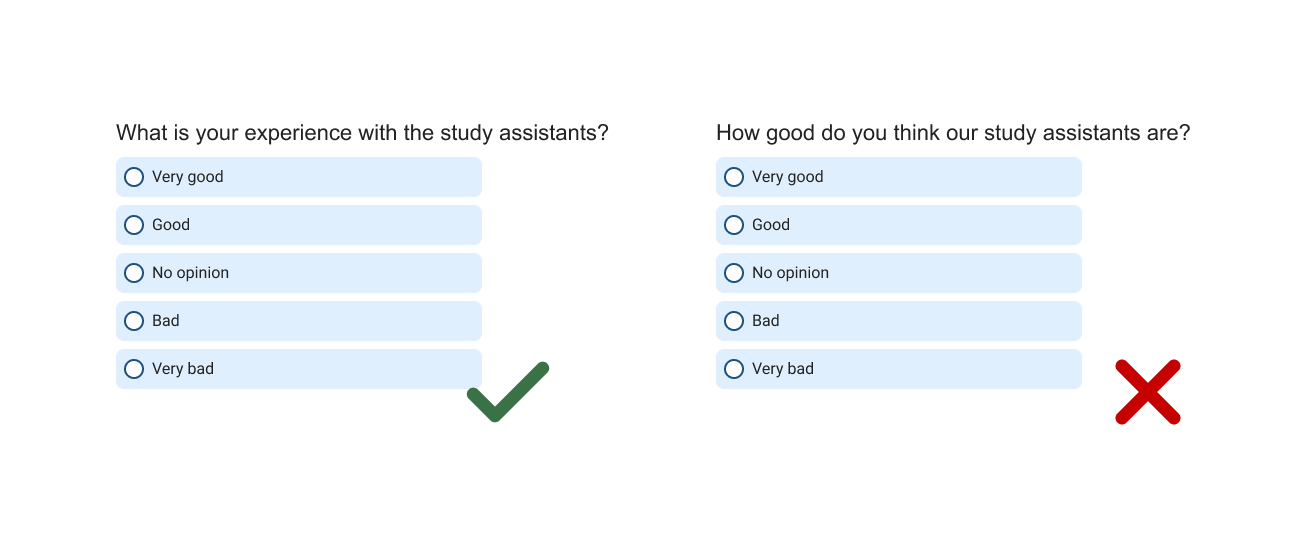
Instead of asking “How good do you think our kind teaching assistants are?”, you could ask “How do you experience the teaching assistants?”
7. Balance – give respondents sufficient options
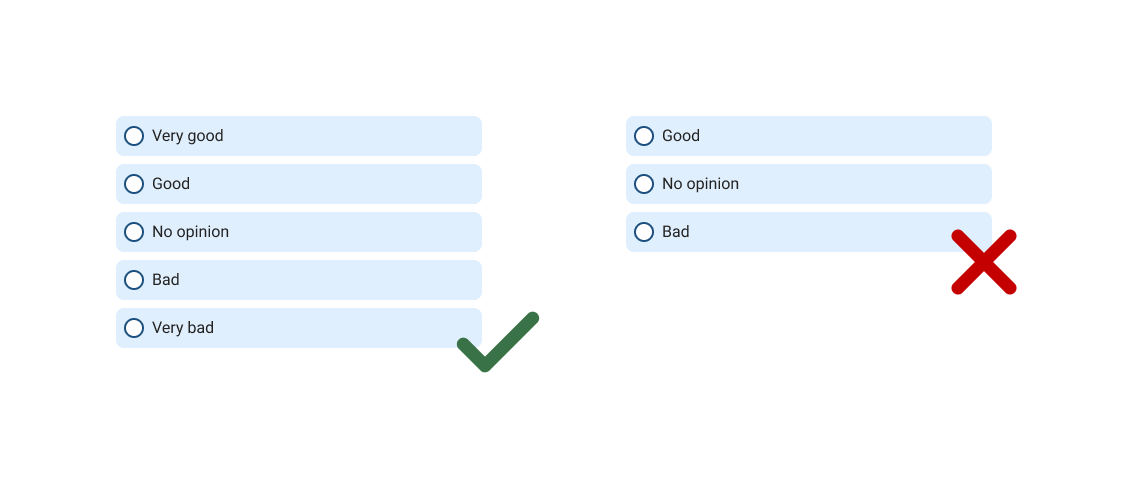
If answer options lean strongly in one direction, for example only positive or only negative options, you risk getting inaccurate information when respondents do not find options that reflect their actual views.
For example, use at least five options when asking respondents to rate something.
8. Use of images – accessible for everyone
To ensure that using the form is equally possible for everyone, all images and illustrations must be supplemented with alternative text, with a few exceptions.
This text must be as accurate a description of the image as possible. It will be read aloud by screen readers or displayed as text for those who cannot see the image.
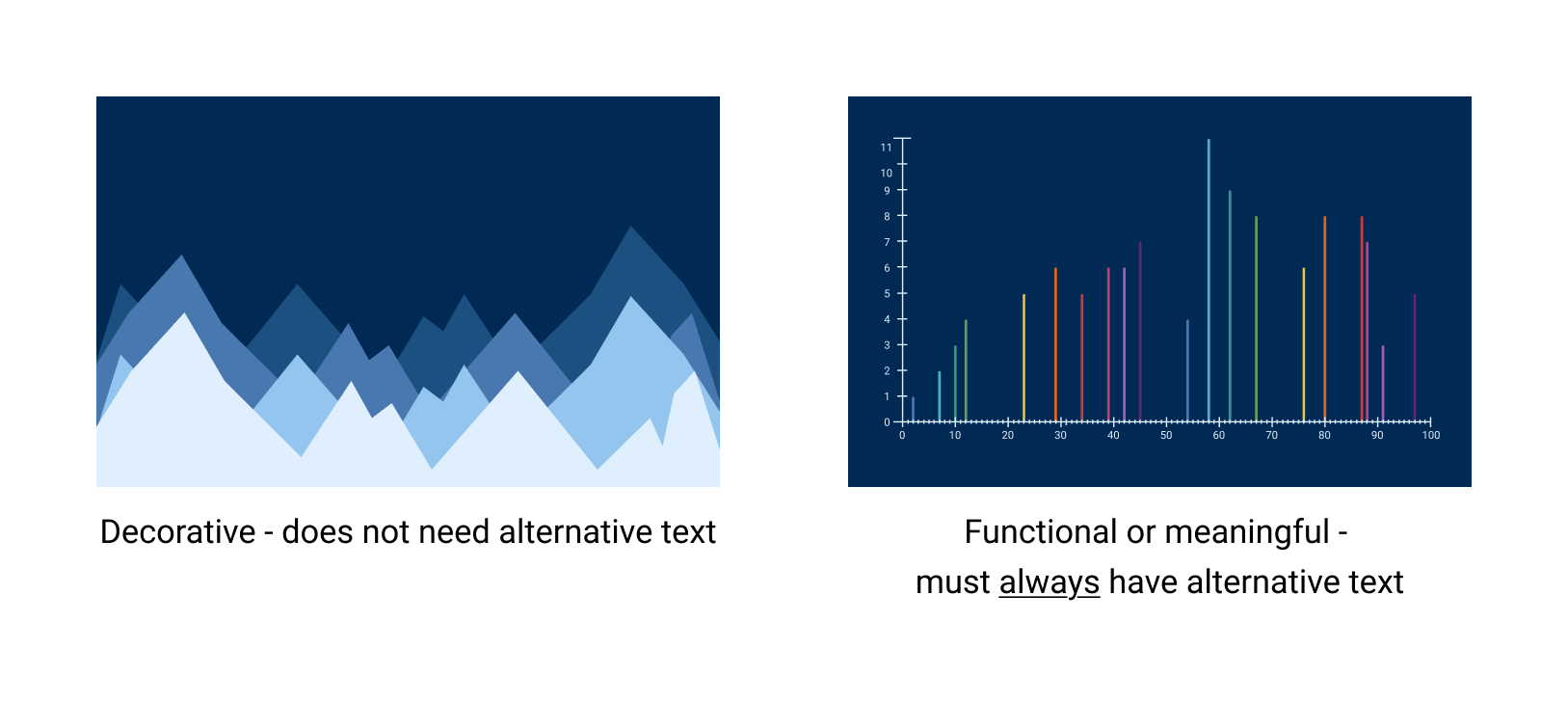
Images and illustrations can be used in two ways:
- Decorative – should not have alternative text
- Functional – must always have alternative text
9. Double questions – let respondents answer one thing at a time
Do not ask questions where you expect answers to two different things in one and the same question.
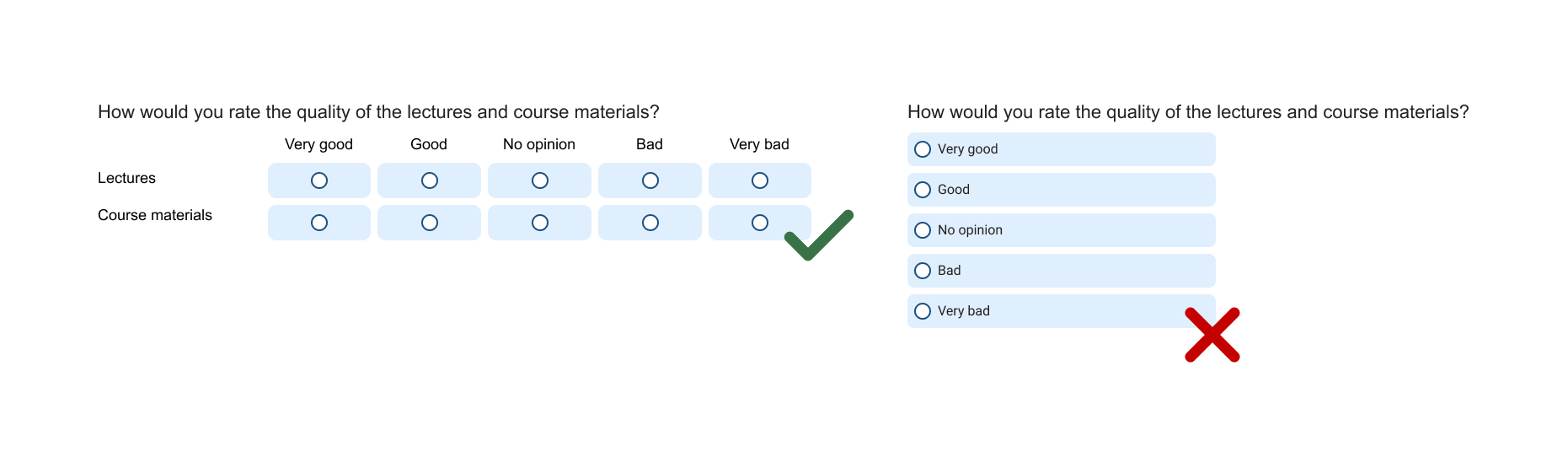
For example: “How would you rate the quality of the lectures and the course materials?” Here it becomes unclear what respondents are supposed to address in their answer. Should they choose one? Give the same rating for both?
Such questions create confusion and, even worse, frustration among respondents, which in the worst case can result in them skipping the question or abandoning the survey altogether.
10. Sections – give respondents room to breathe
In long forms with many elements and questions, it can be demotivating for respondents to see how much content there is further down the page, and it may appear cluttered.

To solve this, it is important to build in breathing spaces and sections in the form. This can be done by adding headings, explanatory text, and page breaks.
Summary – how to create good forms that respondents will want to—and can—complete
- Keep a clear thread throughout the form
- Use simple, flowing language
- Create short and concise forms
- Give respondents predefined options
- Allow respondents to express themselves
- Do not ask leading questions
- Find a good balance in the answer options
- Use images responsibly
- Avoid double questions
- Give respondents room to breathe
Good luck!

Call us
Opening hours are weekdays from 08:30 to 17:00 and Saturdays from 10:00 to 15:00.
Phone number: 22 84 00 04
Book a Zoom meeting
Students and employees can book a Zoom meeting with UiO Helpdesk. Available hours are Tuesday to Thursday between 11:00 and 13:00.
Book a video call